Changelog

Follow new updates and improvements to Lensmor.

V1.11.0 — Pipeline Visibility and Multiple ICPs
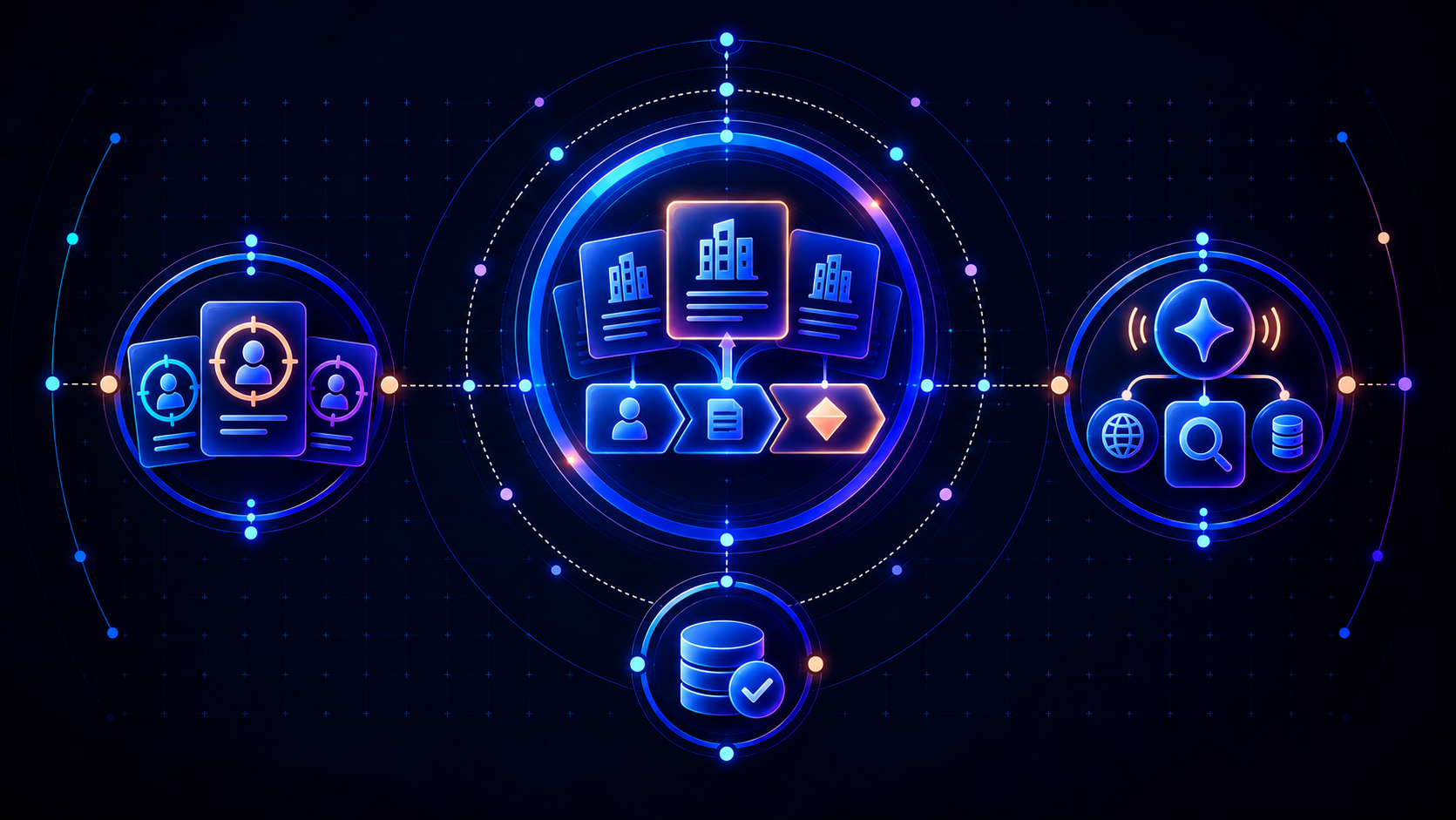
Lensmor V1.11.0 brings your sales pipeline into event research and supports recommendations for more than one ideal customer profile. This release adds HubSpot Deal data sync, multiple ICP management, improved Agent and MCP queries, and continued data quality improvements.

🔗 YOUR PIPELINE, IN EVENT CONTEXT

Spot your HubSpot pipeline accounts on event detail pages

You can now sync HubSpot Deal data with Lensmor. Accounts in your pipeline are highlighted on event detail pages, helping you recognize existing opportunities as you review the companies connected to an event.

Use this context to prioritize accounts your team is already working with and plan relevant event outreach.

🎯 MULTIPLE ICPS, MORE RELEVANT RECOMMENDATIONS

Manage different customer profiles for one company

Your company may serve several customer segments, products, or use cases. You can now manage multiple ideal customer profiles (ICPs) and receive recommendations tailored to the different audiences you target.

This gives you a more flexible way to find relevant opportunities across your business, with recommendations that reflect each ICP.

🤖 IMPROVED AGENT AND MCP QUERIES

A smoother way to query Lensmor data

We refined query capabilities in Agent and MCP to improve the experience of finding and retrieving Lensmor data, whether you research in Agent or use Lensmor through a connected AI tool.

✨ CONTINUED DATA QUALITY IMPROVEMENTS

Cleaner event and people records

We improved data cleaning for event and personnel records, continuing our work to make Lensmor data more accurate and consistent for research, recommendations, and outreach preparation.
NewImproved

V1.10.0 — Cleaner Exports and Clearer Event Updates

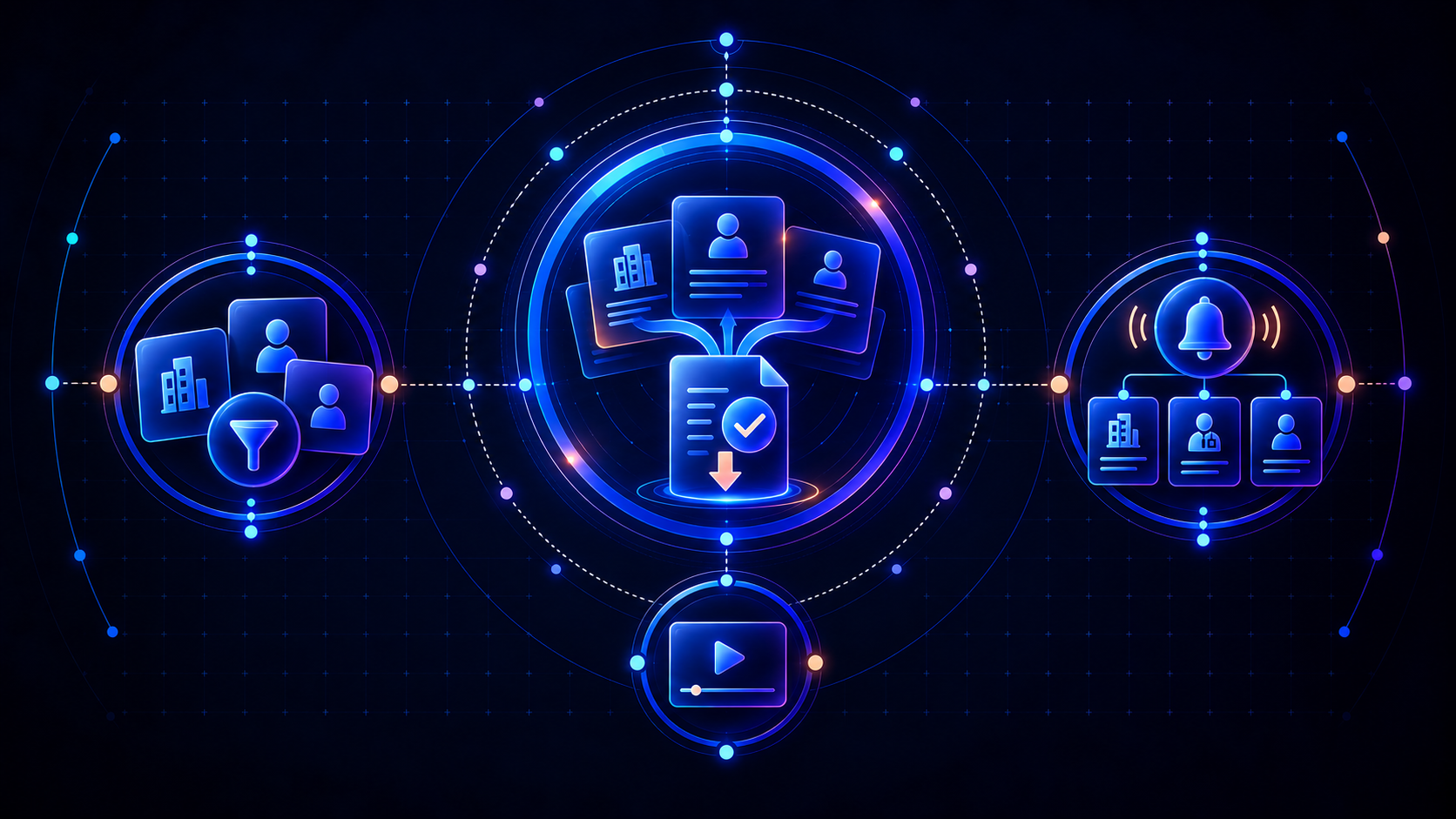
Lensmor V1.10.0 makes event data easier to filter, export, and follow. This release introduces export deduplication, clearer categories for new data in followed events, and a more organized Tech Stack filter.

📤 CLEANER DATA EXPORTS

Remove duplicates when exporting exhibitors and people

You can now deduplicate exhibitor and personnel data during export, reducing repetitive cleanup before using your files for research, CRM imports, or outreach preparation.

🔔 CLEARER UPDATES FOR FOLLOWED EVENTS

See what kind of data has been added

When data is added to an event you follow, updates now distinguish between Exhibitor, Exhibitor Employee, and Visitor records. This makes it easier to understand what has changed and decide which additions to review.

🧩 MORE ORGANIZED TECH STACK FILTERS

Find technologies by function and use case

The Tech Stack filter on event detail pages now groups technologies by function and application scenario. Browse related tools together and find the technologies relevant to your target companies more easily.

✨ A SMOOTHER START AND EVERYDAY EXPERIENCE

Get started with an onboarding video

A new onboarding tutorial video helps you get familiar with Lensmor and find your way through the product.

Refined filter lists on event details

We improved the filter option lists on event detail pages, making them easier to browse and use when narrowing your audience.

V1.8.0 — Event Insights and Shared Lists

Lensmor V1.8.0 helps you understand an event’s audience, keep promising events and contacts organized, and collaborate with your team. This release introduces Event Insights, private and shared lists, and more ways to focus your research.

📊 EVENT INSIGHTS

Understand who’s at an event before diving into the details

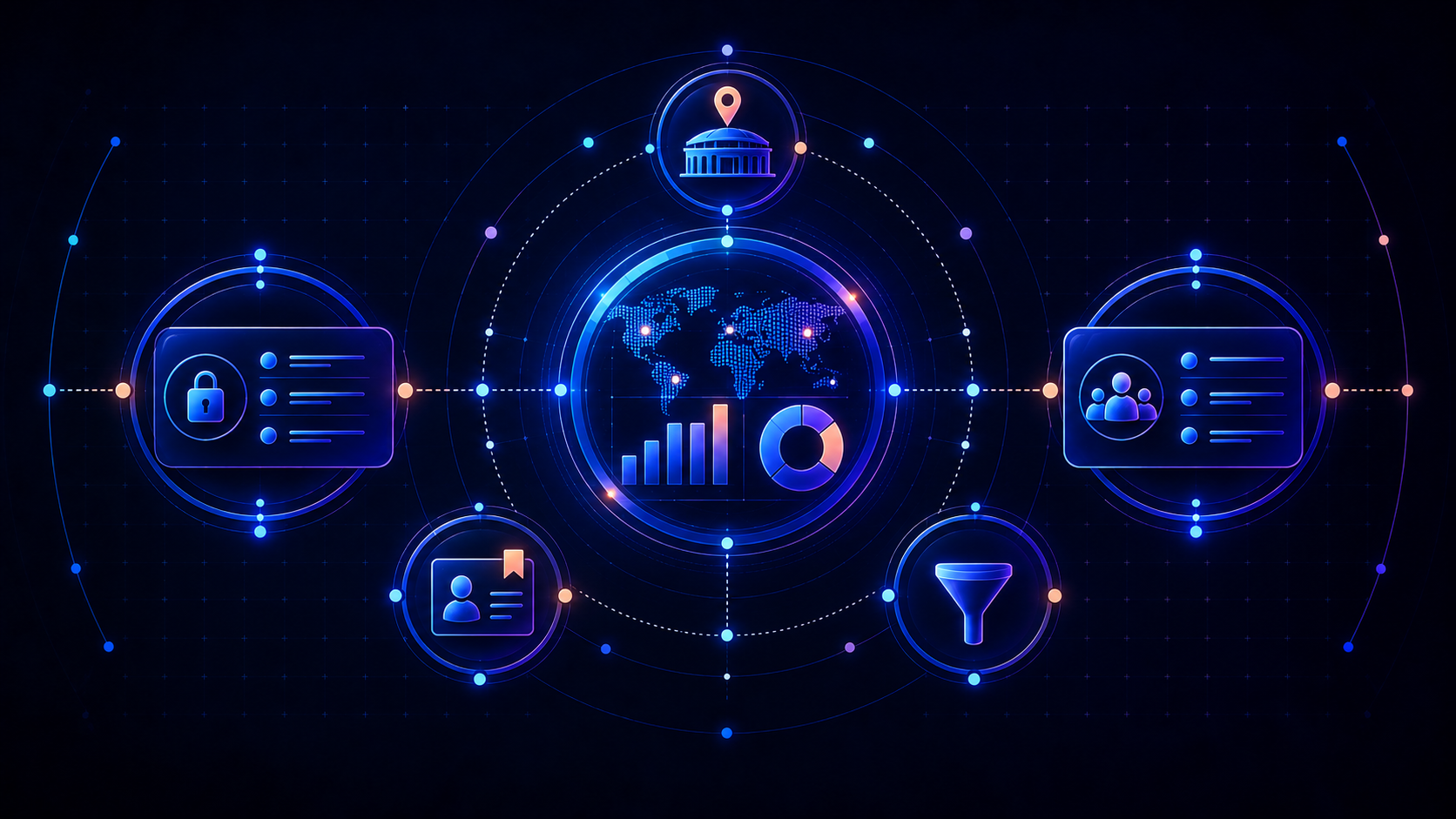
The new Insights tab brings the companies and people behind an event into one overview. Explore geographic distribution, company industries and sizes, and attendee seniority to assess how well an event aligns with your target audience.

Insights reflect the available event data and update as records are added and enriched.

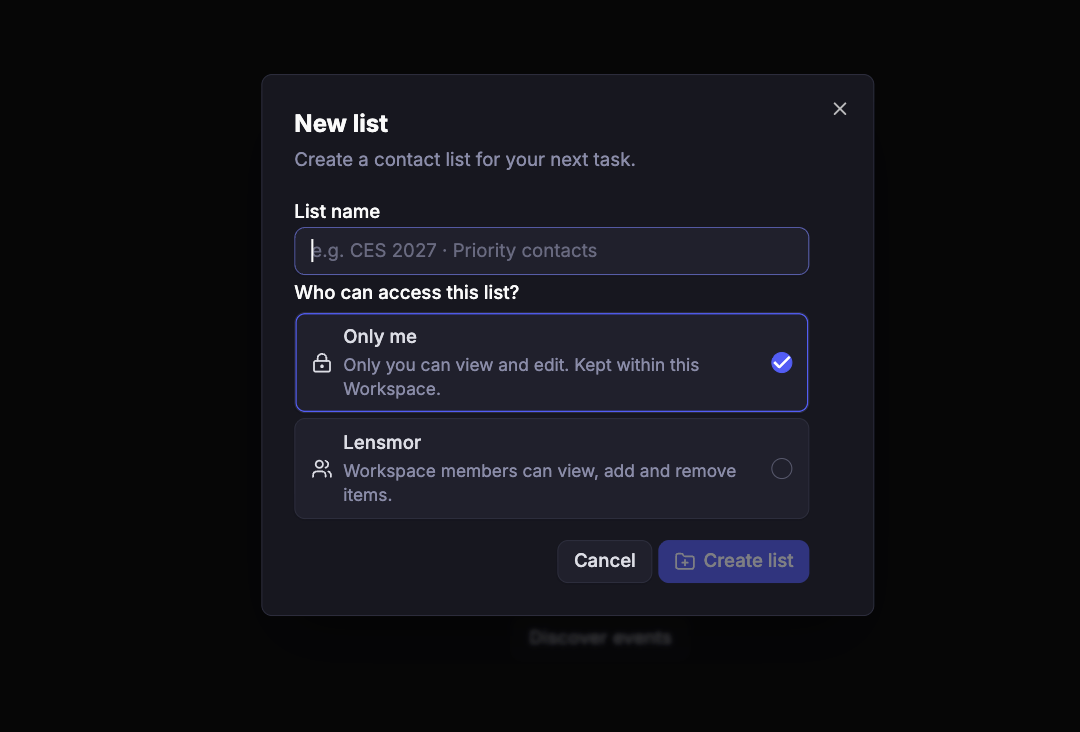
📁 MY LISTS, BUILT FOR YOU AND YOUR TEAM

Save events and contacts. Choose who can access them.

My Lists now lets you save events and contacts into lists you can return to and manage as your research develops.

  • Only me: keep a list private within your Workspace, with access limited to you.

  • Workspace sharing: let teammates view the list and add or remove items.

Keep a personal shortlist or build a shared collection for your team’s next event campaign.

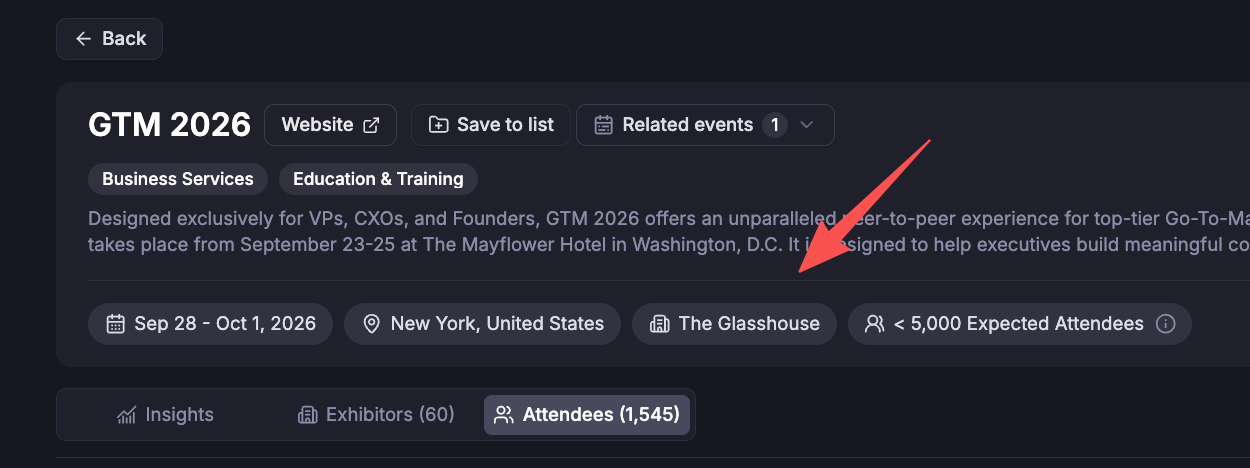
📍 MORE COMPLETE EVENT DATA

Venue details at a glance

Event details now include the specific venue, alongside the event’s dates and city, so you can see where an event takes place.

We also continued improving data quality and filling gaps across event, company, and attendee records.

🎯 MORE PRECISE DISCOVERY AND LEAD FILTERING

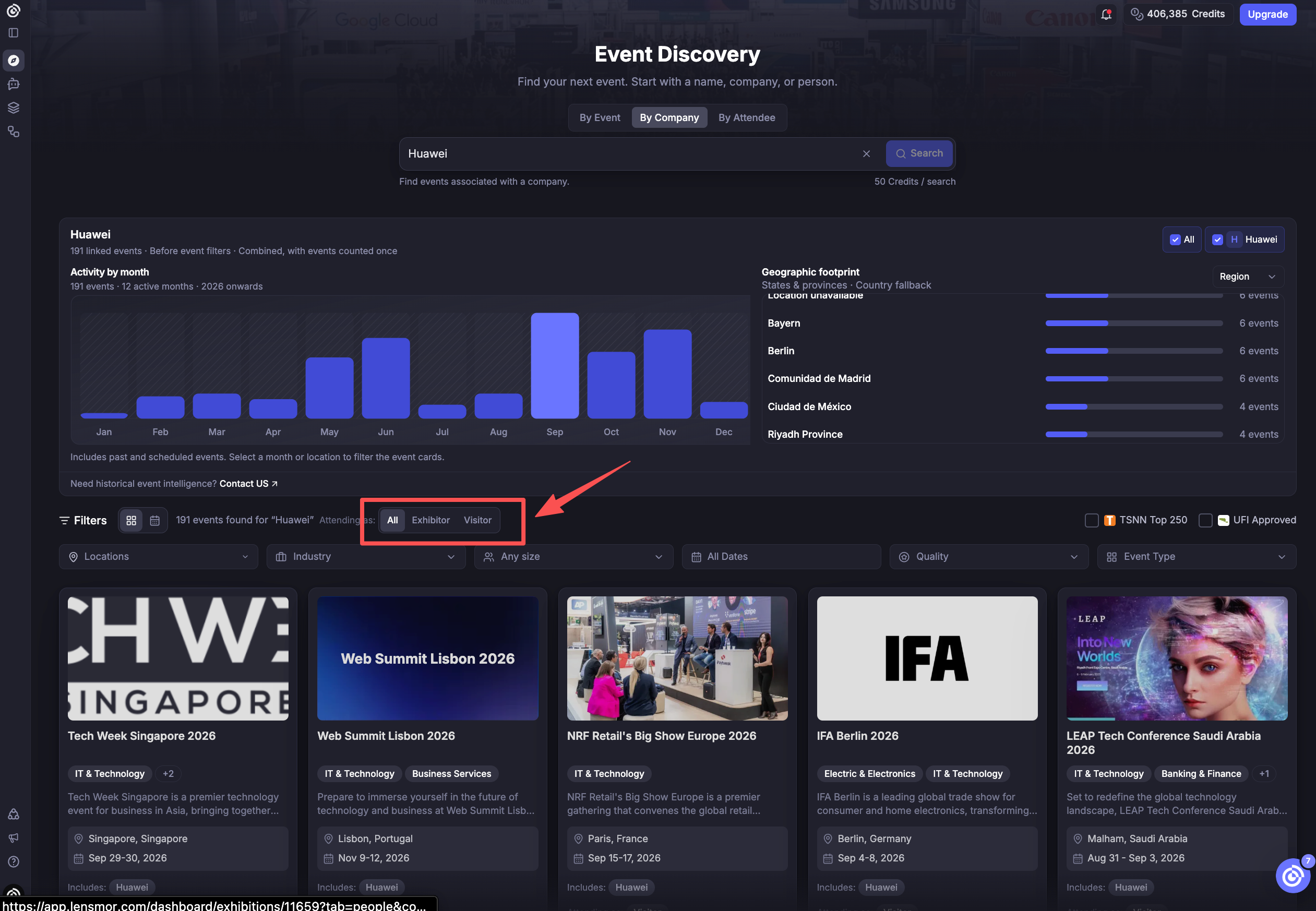
Filter reverse-search results by attendance role

Event cards in company and attendee reverse search now show attendance roles, with matching filters to help you focus on the relevant results. In company search, switch between All, Exhibitor, and Visitor to see how a company is connected to each event.

Find leads by company revenue

You can now filter leads on event detail pages by their company’s annual revenue. Combine revenue ranges with your other criteria to focus on contacts at companies that fit your target market.

Start with the default ICP people Target Group

Event details now include a default ICP people option in Target Group, giving you a ready-made starting point for finding relevant attendees.

Explore the audience, save what matters, and bring your team into the research.

NewImproved

Earlier updates